
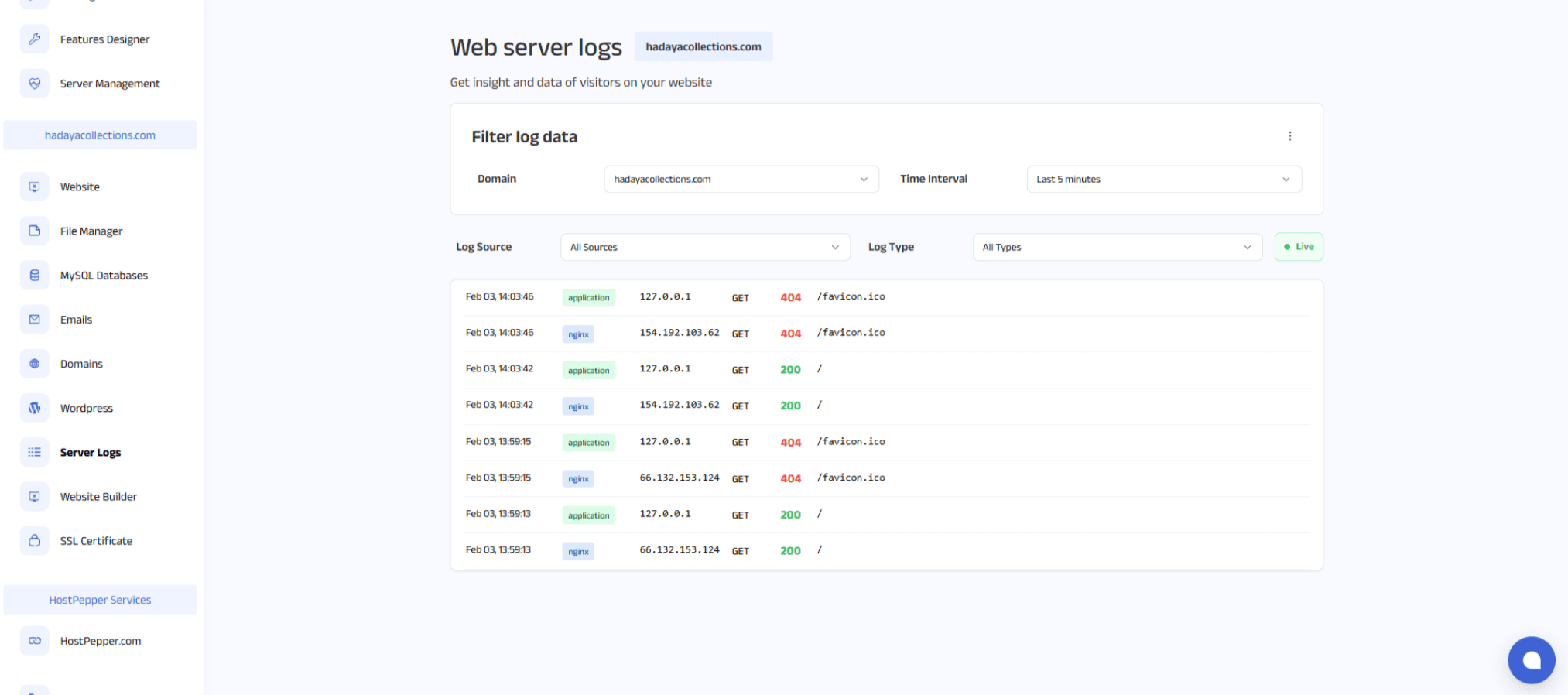
You can access the server logs for your product through the Server Logs section in your control panel.
Once logged in, navigate to your domain-specific dashboard. From the left sidebar, click on Website.
On the Website page, locate and click on Server Logs. Here you will be able to view the logs generated by your product.



SAFE AND SECURE PAYMENT